How to Convert PNG to WebP
WebP is an image format supported by current browsers. It can be useful for web graphics and supports transparency, though you should test the converted image in the places you plan to use it.
Prepare a PNG image
The converter accepts PNG images and creates a WebP file. If the PNG has transparent areas, WebP supports retaining transparency.
The converted image uses a fixed quality setting in this tool. Review the appearance and file size before using it in production.
Convert PNG to WebP
- Choose a PNG image from your device.
- Select Convert file to create the WebP output.
- Download the result and check it in your target browser or application.
Keep compatibility in mind
Check that the systems and applications where the image will be used accept WebP. Keep the original PNG so you can create another output format later.
Frequently asked questions
Does WebP support transparency?
Yes. WebP supports transparency, and the PNG-to-WebP converter retains transparent image areas.
Can I control the quality setting?
The PNG-to-WebP tool uses a fixed quality setting. Review the downloaded result before publishing it.
Try a related converter
Find your next favorite app or service.
Explore mobile apps and academic support selected for you.
Featured blog post
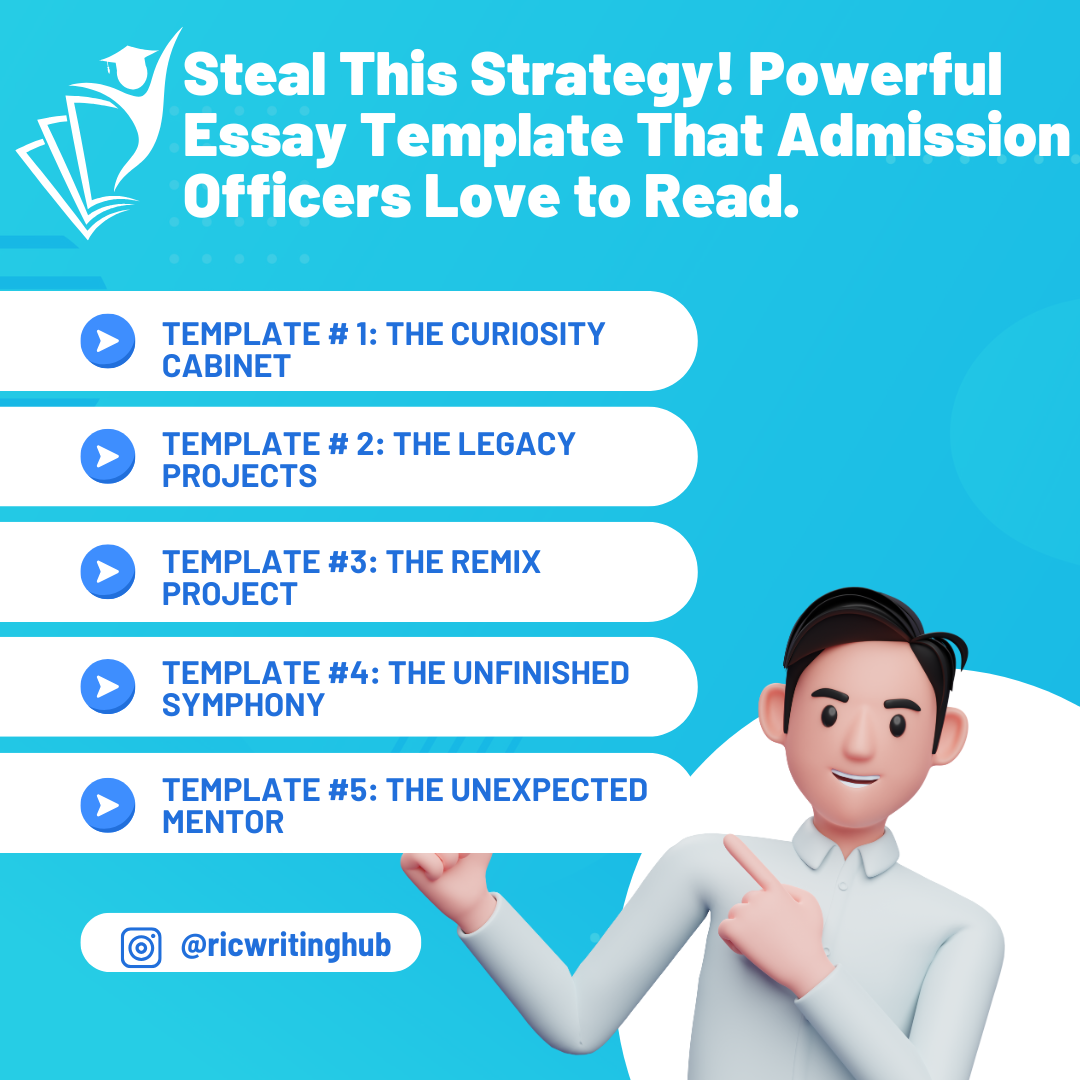
Steal This Strategy! Powerful Essay Templates That Admission Officers Love
When crafting a compelling college admission essay, having a structured approach can make all the difference. These five essay templates will help you create engaging narratives t…
Read article
Academic Assistance
Online Class Help
Take your learning to the next level with RicWriting Services' online classes. Get expert guidance from qualified tutors.
Explore Online Class Help
Mobile app
Peaceful QR-CODE Scanner
The best Android QR-CODE Scanner
Download on Google Play